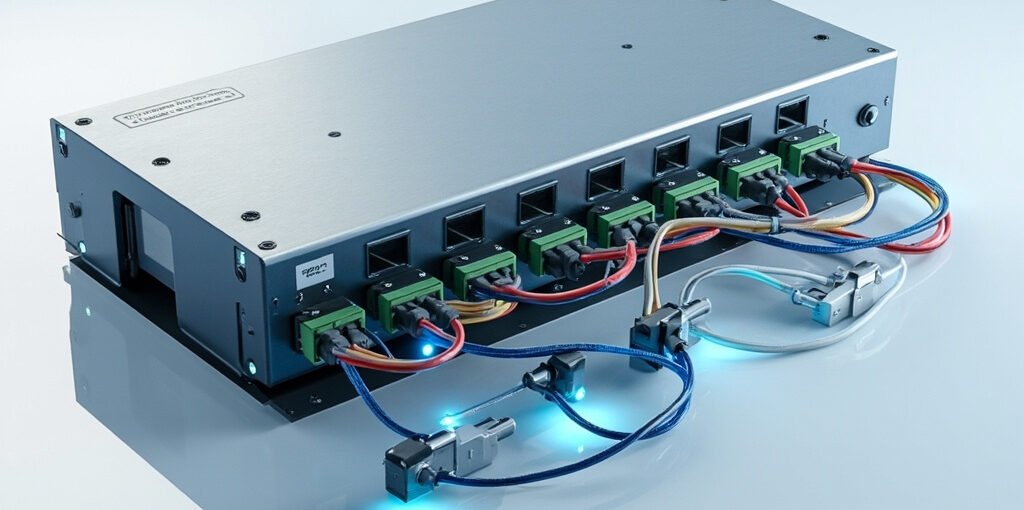
In modern industrial automation, reliable communication between controllers, sensors, and actuators is essential. PLC RS485 communication has become one of the most widely adopted standards for connecting Programmable Logic Controllers (PLCs) with field devices over long distances and in electrically noisy environments. This guide explores the fundamentals, wiring, protocols, troubleshooting, and best practices of RS485 in PLC systems, helping engineers and technicians build robust automation networks.
What Is RS485 Communication?
RS485 (Recommended Standard 485) is a serial communication standard defined by the EIA/TIA in 1998. It describes the electrical characteristics of drivers and receivers used in balanced differential signaling systems. Unlike RS232, RS485 supports multi-drop connections, longer cable runs, and excellent noise immunity, making it ideal for industrial environments.
In a PLC network, RS485 typically operates as a half-duplex (2-wire) or full-duplex (4-wire) bus, where multiple devices share the same twisted-pair cable. The differential voltage between two wires (labeled A and B, or D+ and D−) determines whether a bit is interpreted as a logical 1 or 0.
Why RS485 Is the Backbone of PLC Networks
Engineers choose RS485 for PLC communication for several compelling reasons:
Long-distance capability: Up to 1,200 meters (4,000 ft) at lower baud rates.
Multi-drop support: Connect up to 32 devices (or 256 with high-impedance drivers) on a single bus.
Noise immunity: Differential signaling cancels common-mode interference from motors, VFDs, and relays.
Protocol flexibility: Supports Modbus RTU, Profibus, BACnet, and many industrial protocols.
Key Electrical Specifications of RS485
Understanding the electrical limits of RS485 is critical for designing reliable PLC networks. The table below summarizes the most important parameters:
Parameter
Value
Notes
Maximum Devices
32 standard units (256 with high-impedance)
One driver load per device
Maximum Cable Length
1,200 m (4,000 ft)
At baud rates ≤ 100 kbps
Maximum Data Rate
10 Mbps (at short distances)
Typical PLC use: 9.6k–115.2k bps
Differential Voltage Range
±1.5V to ±5V
Receiver threshold: ±200mV
Common-Mode Voltage
−7V to +12V
Tolerance for ground potential differences
Termination Resistance
120 Ω at both ends
Matches cable characteristic impedance
Popular Protocols Used Over RS485 in PLCs
While RS485 defines only the physical layer, several communication protocols are layered on top of it. The most common ones include:
Modbus RTU: The de facto standard in PLC-to-PLC and PLC-to-VFD communication. Simple, open, and supported by virtually every industrial device.
Profibus DP: Widely used in Siemens PLC systems for high-speed fieldbus communication.
BACnet MS-TP: Used in building automation for HVAC controllers and energy management.
DMX512: Occasionally used for lighting control in industrial stages.
Custom ASCII Protocols: Many PLC manufacturers offer proprietary serial protocols for legacy equipment integration.
RS485 Wiring Topologies and Termination
Proper wiring is crucial to maintain signal integrity. RS485 supports two main topologies:
Daisy-chain (recommended): Devices are connected in a single linear chain with termination resistors at both ends.
Stub connections: Short taps to each device—should be kept under 3 meters to avoid reflections.
Star topology: Generally discouraged due to signal reflections, but can be used with special repeaters or low baud rates.
Use a shielded twisted-pair (STP) cable with a characteristic impedance of 120 Ω. The shield should be grounded at one end only to prevent ground loops. Bias resistors (typically 680 Ω pull-up on B and 680 Ω pull-down on A) ensure a defined idle state when no device is transmitting.
RS485 vs. RS232 vs. Ethernet: A Quick Comparison
Feature
RS232
RS485
Ethernet
Max Distance
15 m
1,200 m
100 m per segment
Devices per Bus
2 (point-to-point)
32–256 (multi-drop)
Many (via switches)
Max Speed
115.2 kbps
10 Mbps
1 Gbps+
Noise Immunity
Low
High
Medium–High
Typical Use
Short cable, legacy devices
Industrial fieldbus
SCADA, IIoT, MES
Common Problems and Troubleshooting Tips
Even well-designed RS485 networks can develop issues. The following are the most frequent problems and how to address them:
Communication timeouts: Check baud rate, parity, and stop-bit settings match across all devices.
Garbled data: Verify termination resistors are installed only at the two physical ends of the bus.
Intermittent errors: Inspect for loose connections, broken shield grounds, or cable runs parallel to VFD power cables.
Bus contention: Ensure only one master is transmitting at a time. RS485 is not a true multi-master bus.
Excessive devices: Do not exceed 32 unit loads without repeaters or buffer amplifiers.
Ground potential differences: Use isolated RS485 transceivers or repeaters when connecting equipment across separate power systems.
⚠ Pro Tip: Always place a 120 Ω termination resistor at each end of the RS485 bus, and never in the middle. Also, keep the cable run as short as practical—lower baud rates travel farther. For long runs above 500 m at high speeds, install a repeater or use fiber-optic media converters to extend reliability.
Best Practices for Reliable PLC RS485 Communication
Implementing these proven practices will significantly improve uptime and reduce troubleshooting time: